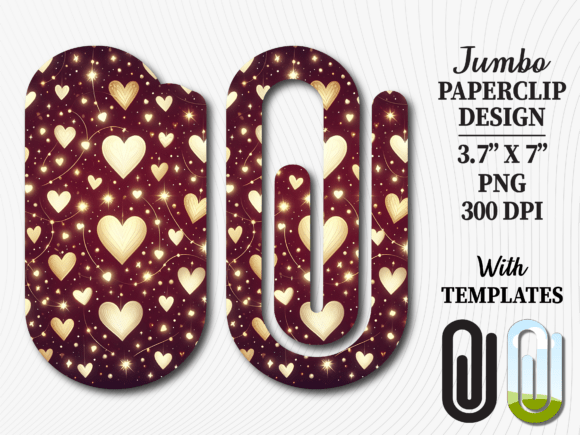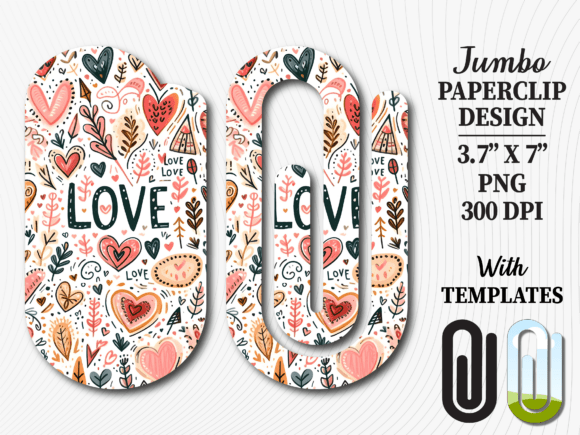
Valentines Day Doodle Jumbo Paperclip
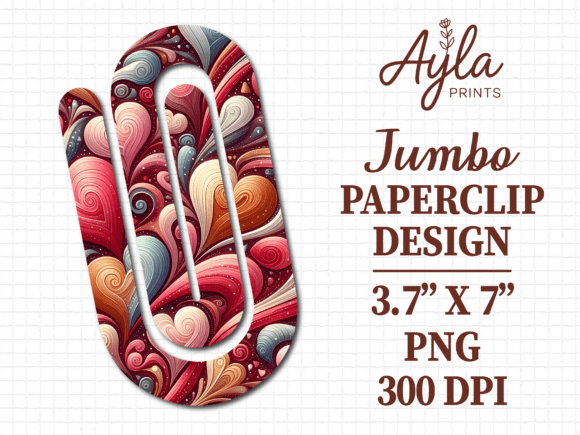
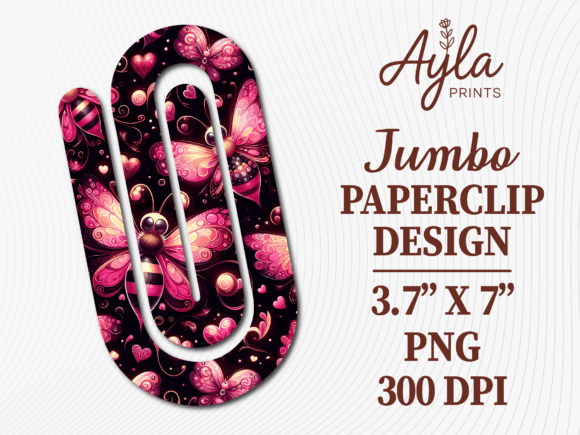
If you are looking to add a charming, hand-drawn touch to your Valentine's Day crafts or small business offerings, the Valentines Day Doodle Jumbo Paperclip sublimation design is exactly what you need. This digital asset transforms a standard office supply into a personalized gift, perfect for bookmarks, planner clips, or teacher appreciation tokens. Unlike generic clipart that often looks flat and mass-produced, this high-resolution design captures the whimsical feel of a doodle, making it ideal for creators who want their projects to stand out.
However, many crafters and small business owners make critical errors when purchasing and applying digital sublimation files. These mistakes can lead to wasted materials, blurry prints, or designs that simply do not fit the intended project. Before you download any file, it is essential to understand how to evaluate quality, ensure compatibility with your equipment, and avoid common pitfalls that ruin the final presentation.
Understanding What You Are Actually Buying
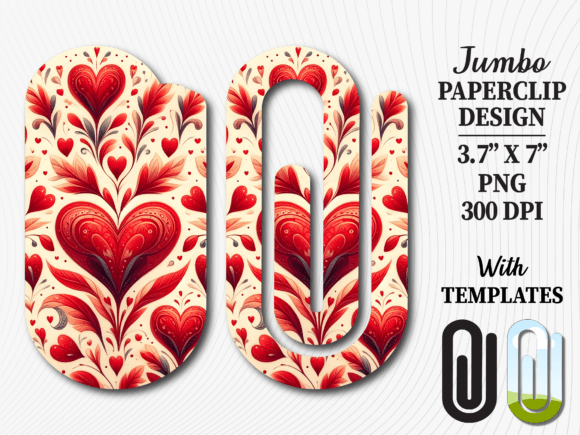
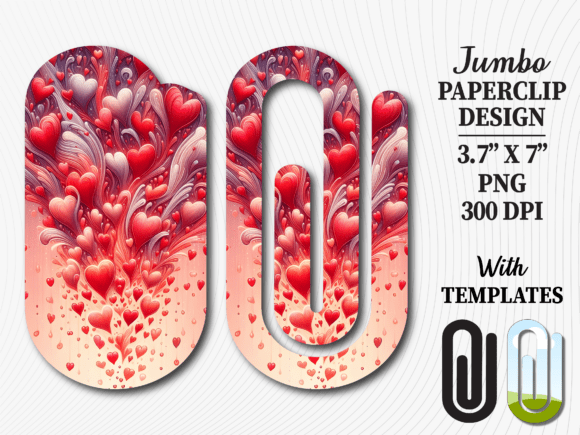
The most frequent misunderstanding in the digital crafting space is confusing a "digital download" with a physical product. When you purchase the Valentines Day Doodle Jumbo Paperclip, you are acquiring a set of digital files, not a physical paperclip or a pre-printed item. The listing includes three high-resolution PNG files showcasing the full design, along with templates in five formats: Canva, EPS, PNG, PDF, and SVG.
Why this matters: If you expect a package to arrive in your mailbox containing the actual paperclips, you will be disappointed. The value lies in the instant access to the files, allowing you to start creating immediately after purchase. The design size is approximately 3.7 × 7 inches, which is specifically calibrated for jumbo paperclips and similar display cards. Always verify these dimensions before printing to ensure your design scales correctly without pixelation or stretching.
Avoiding Common Sublimation Mistakes
Even with a beautiful design like this doodle collection, the execution determines the success of your project. Here are the specific errors that often undermine results and how to correct them.
Misjudging File Formats and Software Needs
One of the biggest hurdles beginners face is selecting the wrong file format for their workflow. While the bundle includes versatile options like SVG and EPS for cutting machines (like Cricut or Silhouette), using an SVG file on a sublimation printer without converting it first can cause issues. Conversely, trying to edit a raster PNG file in vector software will limit your ability to resize without losing quality.
- The Mistake: Attempting to use a PNG file for laser cutting or vinyl weeding, which requires vector paths.
- The Correction: Use the provided SVG or EPS files for cutting machines. For sublimation printing, the included high-resolution PNGs are perfect. If you prefer editing online, the Canva template allows you to customize text and layout instantly.
Overlooking Resolution and Print Quality
Low-resolution images result in fuzzy, blocky prints that look unprofessional. A common error is assuming all digital downloads are created equal. Some sellers provide files that look good on a screen but pixelate when printed at full size.
This specific design boasts high resolution, ensuring crisp lines for the doodle elements. However, if you stretch a non-vector image beyond its intended 3.7 × 7-inch ratio, you will lose detail. Always check the DPI (dots per inch) of your source file before sending it to the printer. If the print comes out grainy, the issue is likely the source file size, not the printer itself.
Neglecting the Material Compatibility
Sublimation only works on polymer-coated surfaces or polyester fabrics. A frequent oversight is attempting to sublimate this design directly onto raw metal or untreated acrylic paperclips. Without the proper coating, the ink will not bond, resulting in a washed-out image that rubs off immediately.
Better Approach: Ensure you are using blank items specifically designed for sublimation. If you are creating a bookmark, verify that the cardstock has a sublimation coating. For acrylic paperclips, confirm they are coated for heat transfer. Using the wrong substrate renders even the best design useless.
Maximizing Your Design Versatility
The Valentines Day Doodle Jumbo Paperclip is more than just a clip; it is a versatile element for various projects. Educators might use it for "Back to School" supplies, while entrepreneurs could create "Book Lovers Gift" sets. The inclusion of editable Canva templates means you don't need advanced graphic design skills to personalize the design.
Consider adding custom text to match your brand or event theme. For instance, a teacher might add "Happy Valentine's Day" in a playful font next to the doodle. The flexibility of the 5-file format bundle allows you to test different layouts quickly. Don't limit yourself to just one application. Think about how the design fits into larger collections, such as planner clips, office supply bundles, or classroom decorations.
What to Check Before You Download
To ensure satisfaction with your purchase, take a moment to review the following checklist. This proactive approach saves time and prevents frustration.
- Verify the Dimensions: Confirm that the 3.7 × 7-inch size matches your specific jumbo paperclip or bookmark template. Scaling down too much may hide details; scaling up without a vector base causes blurriness.
- Check Software Compatibility: Do you have access to Canva? If so, the template is a huge advantage. If you use Adobe Illustrator, the EPS and SVG files are your best bet.
- Review the Mockup: Look closely at the second cover image mentioned in the description. It shows how the design appears on the final product. Ensure the orientation and placement align with your vision.
- Understand the Delivery: Remember that this is an instant digital download. There is no shipping time, but there is also no physical return policy once the files are accessed. Read the shop policies regarding refunds carefully.
Conclusion: Making the Right Choice
Selecting the right sublimation design is about more than just aesthetics; it is about functionality, quality, and ease of use. By understanding the difference between file formats, respecting the limitations of sublimation materials, and utilizing the provided templates effectively, you can elevate your projects from simple crafts to professional-grade products.
The Valentines Day Doodle Jumbo Paperclip offers a fun, eye-catching solution for anyone looking to enhance their creations. Whether you are a seasoned entrepreneur or a hobbyist just starting out, avoiding these common pitfalls ensures your final result is polished, durable, and ready to delight your audience. With instant access and multiple format options, you have everything you need to start creating unique gifts and displays today.